
01
Rehearse a classroom day
Start with a sample child, teacher and parent account. Record morning attendance, a meal update and an end-of-day note. Check who enters each record and what the parent can see. Note whether staff must copy the same information into separate lists.
Daily reports and development tracking for childcare →02
Test communication and access separately
Announcements, private messages and photo sharing solve different problems. Ask to see how one family is prevented from viewing another child’s content and how staff roles differ. In OkulMobil, messaging and galleries are mobile-app features.
Parent communication app for preschools →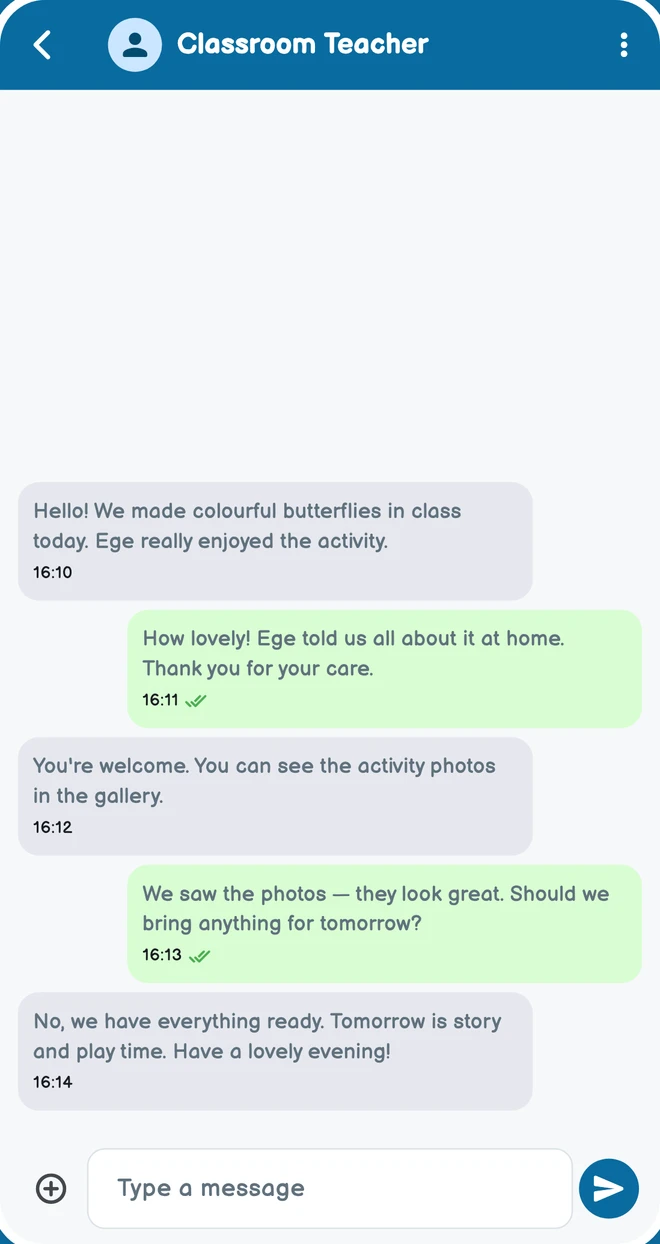
03
Separate payment records from payment processing
Ask for a demonstration of instalments, partial collection records and outstanding balances. If you need card payments, verify the provider and fees separately. OkulMobil payment tracking describes records and monitoring, rather than an implied card-processing service.
Childcare payment plans and payment tracking →04
Clarify kiosk requirements
Ask whether cards, hardware, connectivity and installation are included. Check the proximity rules for a digital card and when notifications occur. An arrival pre-notification is different from a completed check-in or check-out record.
Preschool attendance and check-in kiosk →05
Compare total cost and onboarding
Compare licence scope, account limits, data transfer, staff training, support and hardware in one worksheet. Free app downloads do not necessarily mean free childcare software. Clarify access to records and account closure before choosing a service.
Join OkulMobil. →06
Begin with the first day’s essentials
Try creating a classroom, adding a student, taking attendance and sharing a daily update with a parent. Choose the tools you need today instead of using every module at once. OkulMobil is designed to make this simple start accessible to schools of every size.
Administrators →Evaluate the demonstrated scope; do not assume an unavailable feature or integration is included.
About OkulMobil →