
OKULMOBİL
Parent communication app for preschools
When announcements, individual messages and consent requests live in different places, schools and families struggle to follow the same information. OkulMobil connects communication with the relevant classroom and child.
Explore all features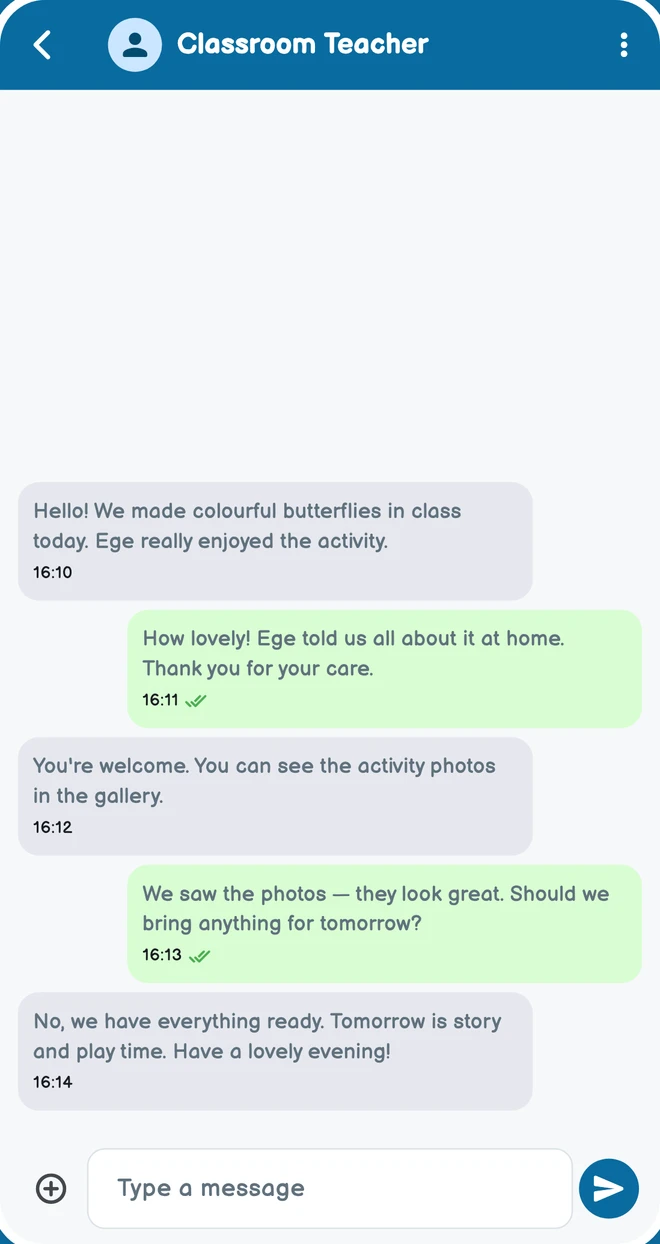
What can you do in this role?
Parent communication app for preschools
Teachers share updates and parents see the content available to them in the mobile app. Conversations, photos and consent requests each have their own place.
- 01
Messaging
Individual and group conversations, files and media in the mobile app. Communication follows school and contact relationships.
Mobile app - 02
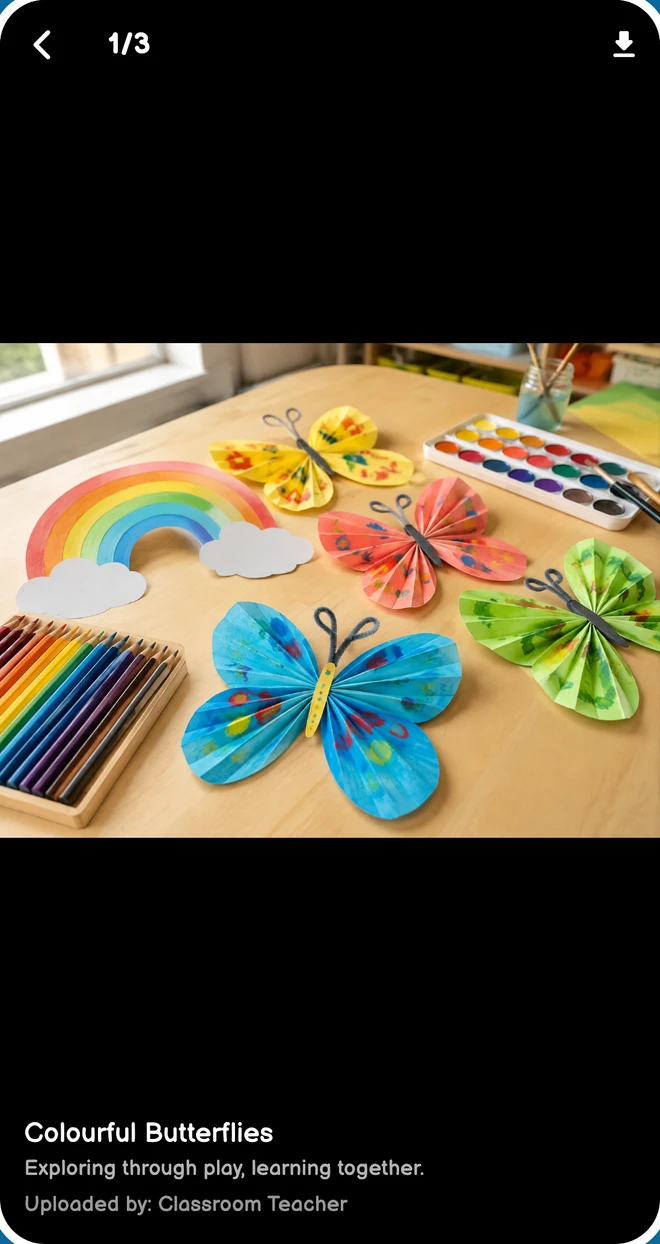
Photo & video gallery
Share activity photos and videos with relevant classes and families, and follow viewing information.
Mobile app - 03
Announcements, bulletins & homework
Publish content for selected audiences and follow shared updates. Administrators can also send notifications.
Web panelMobile app - 04
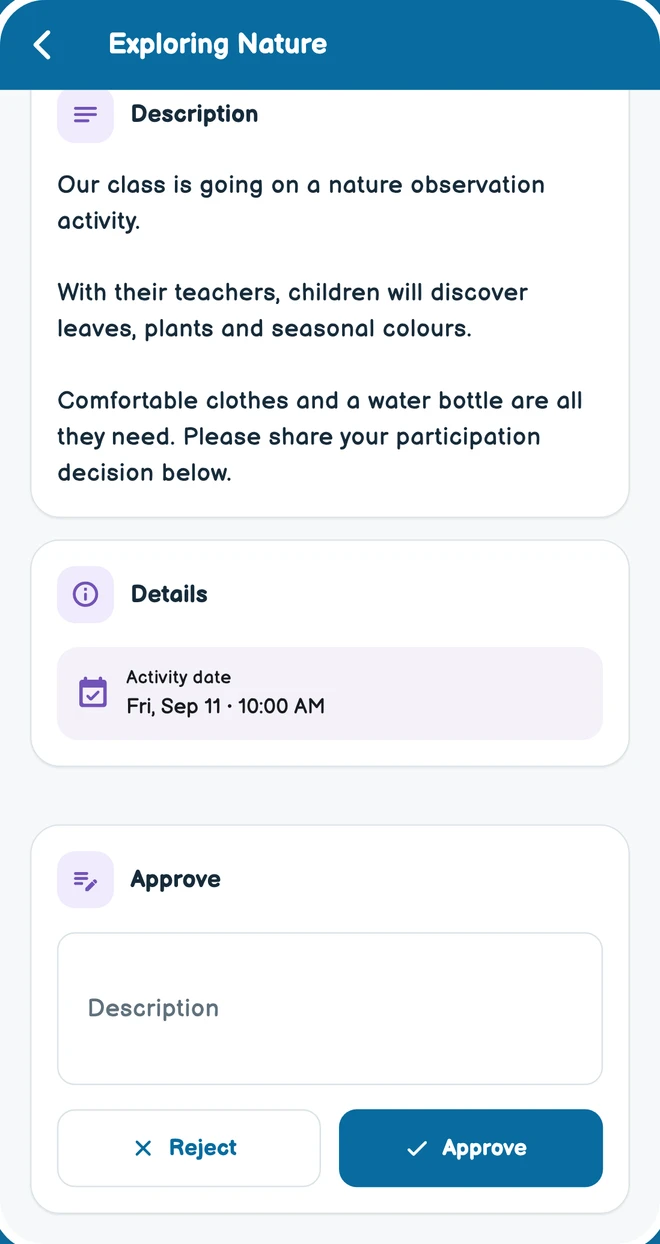
Parental consents
School consent requests and parent responses. Follow the request’s status in the same record.
Web panelMobile app - 05
Surveys
Publish surveys to relevant parents, respond and view results according to permissions. Not available to subject teachers.
Web panelMobile app
Availability depends on the modules enabled by the school, assigned permissions and your classroom or child relationship.
One school. Different needs.
Parents
Parents use the mobile app. Access is limited to their linked children and assigned permissions. The management panel is not a parent portal.
Teachers
This page describes subject teachers. Web panel access is granted separately by the school. Attendance, surveys and medication tracking are outside this role’s scope.
Get to know OkulMobil.
How can parents follow their child’s day?
In the mobile app, parents see daily reports, menus, activities, announcements, homework, photos and videos shared for their own child. Depending on permissions, they can message teachers, answer surveys and follow approval requests and financial records. Visibility depends on their child link and permissions; parents do not use the administration panel.
How are messages, photos and announcements shared?
The mobile app includes individual or group messaging and a photo/video gallery. Announcements, newsletters, homework and activities reach the relevant audience; surveys collect feedback. Galleries and messaging are mobile app features. Content is not visible to everyone: roles, classroom assignments and student links determine its audience.
What do approvals, educational materials and e-contracts provide?
Schools send approval requests to parents and follow their responses. Educational materials let staff share files and teaching resources with the relevant audience. E-contracts provide a separate workflow for enrolment information, documents and consent clauses, with parents completing the steps presented to them.
OKULMOBİL
Solutions
 01
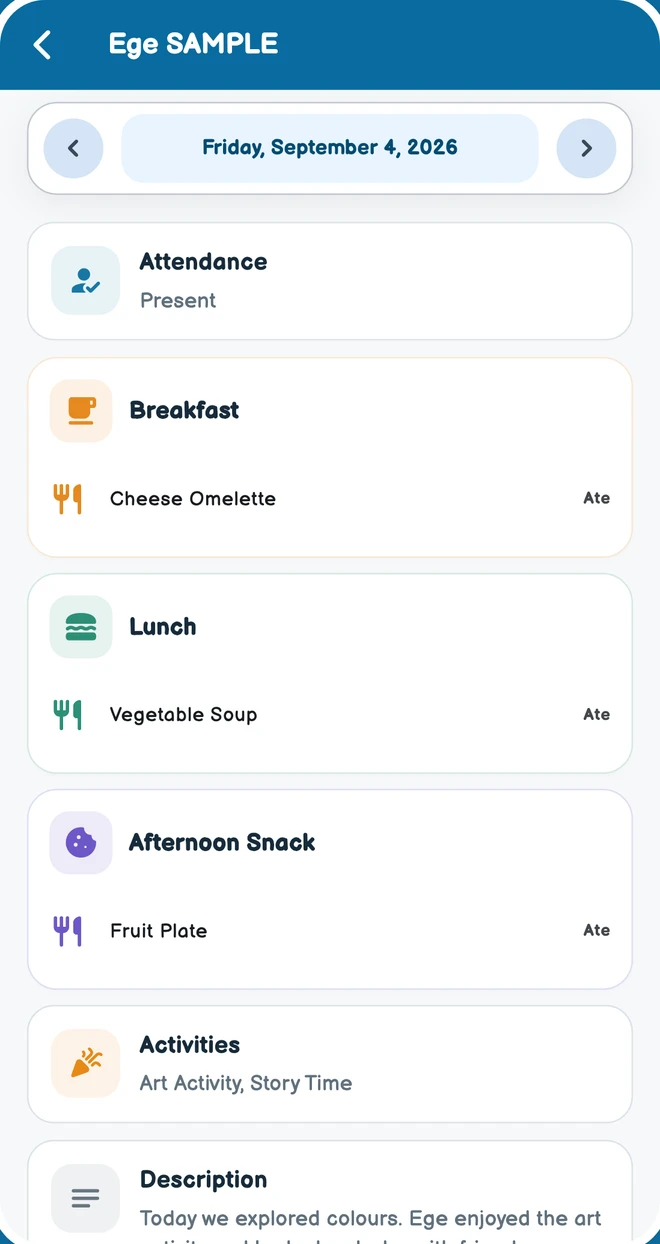
01Daily reports and development tracking for childcare
What did my child eat, which activity did they join and what did their teacher observe? OkulMobil brings daily reports, meal plans and physical growth records into the school day families can follow.
Let’s meet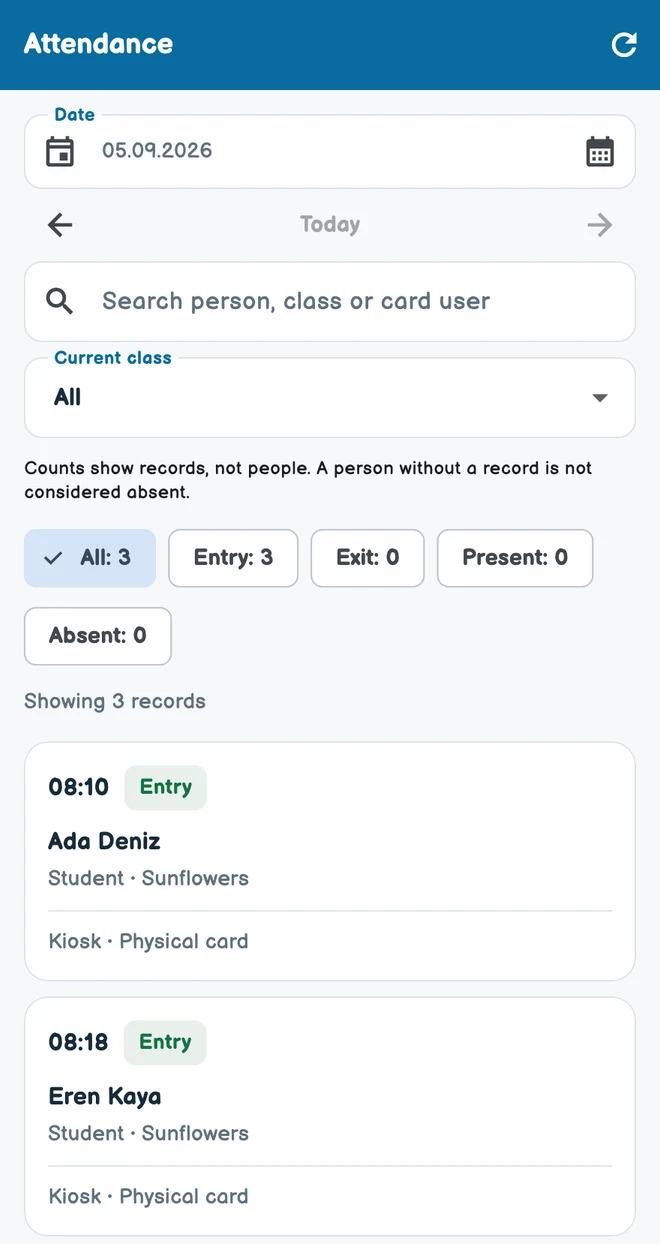 02
02Preschool attendance and check-in kiosk
You do not need to install a kiosk to begin everyday school management. A kiosk is an optional additional solution for schools that want device-based entry and exit records.
Let’s meet03Childcare payment plans and payment tracking
Student contracts, instalments and received payments are harder to follow across separate lists. OkulMobil brings these records into processes that authorized school users can manage.
Let’s meetStart simply at your school.
Let’s get your first classroom and daily routine ready. Call or message us on WhatsApp to get started.