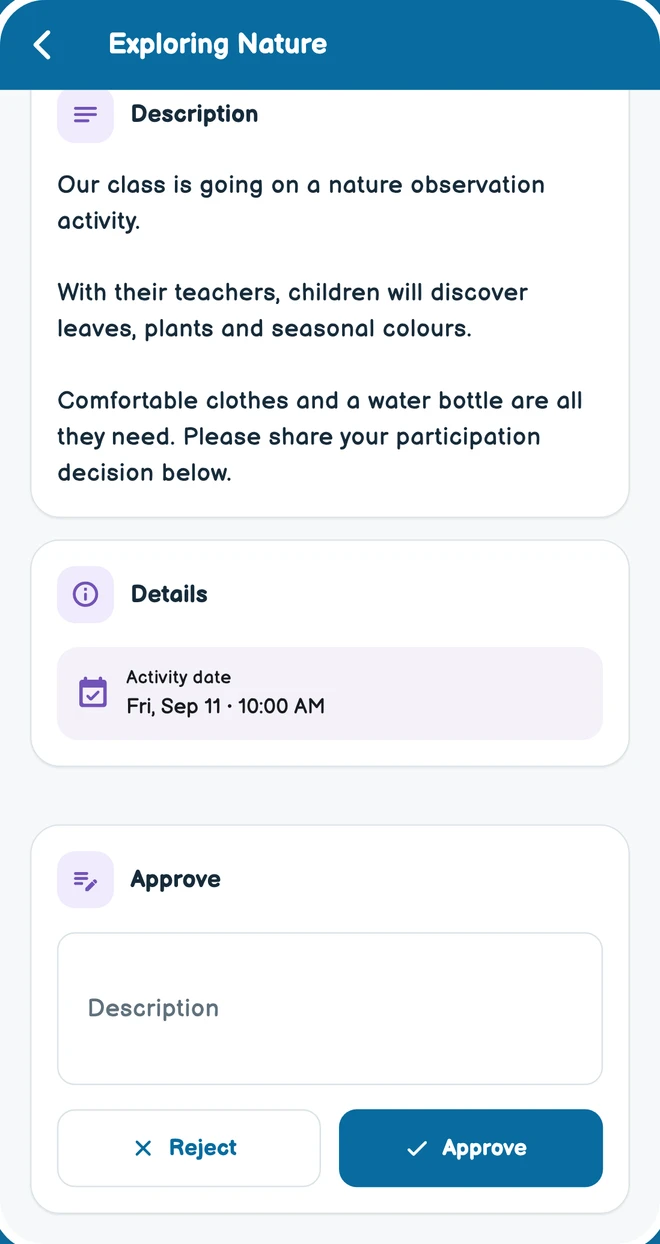
Card applications and approval
Follow card applications and school approvals.

OKULMOBİL
Start with the task you need: attendance, a daily note or parent communication. Explore other features as your school needs them.
OKULMOBİL
Choose a topic and explore its modules. Open a screen or module card for details without leaving this page.
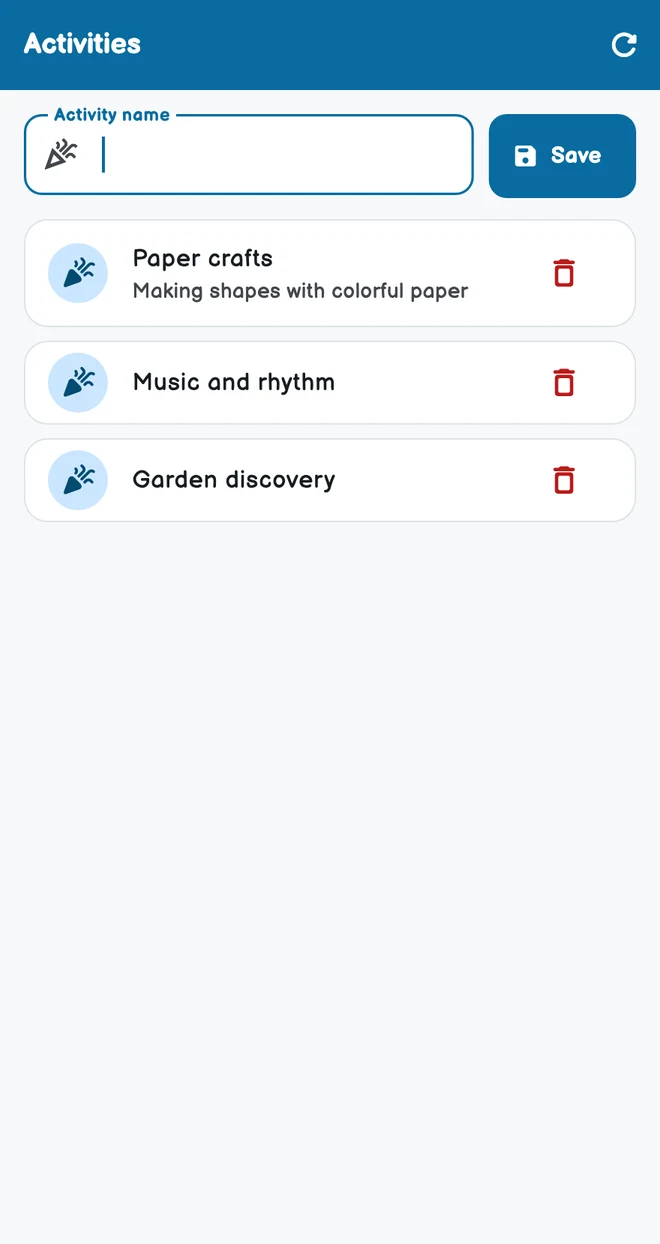
Organise activity definitions and dates alongside daily school routines.
Explore module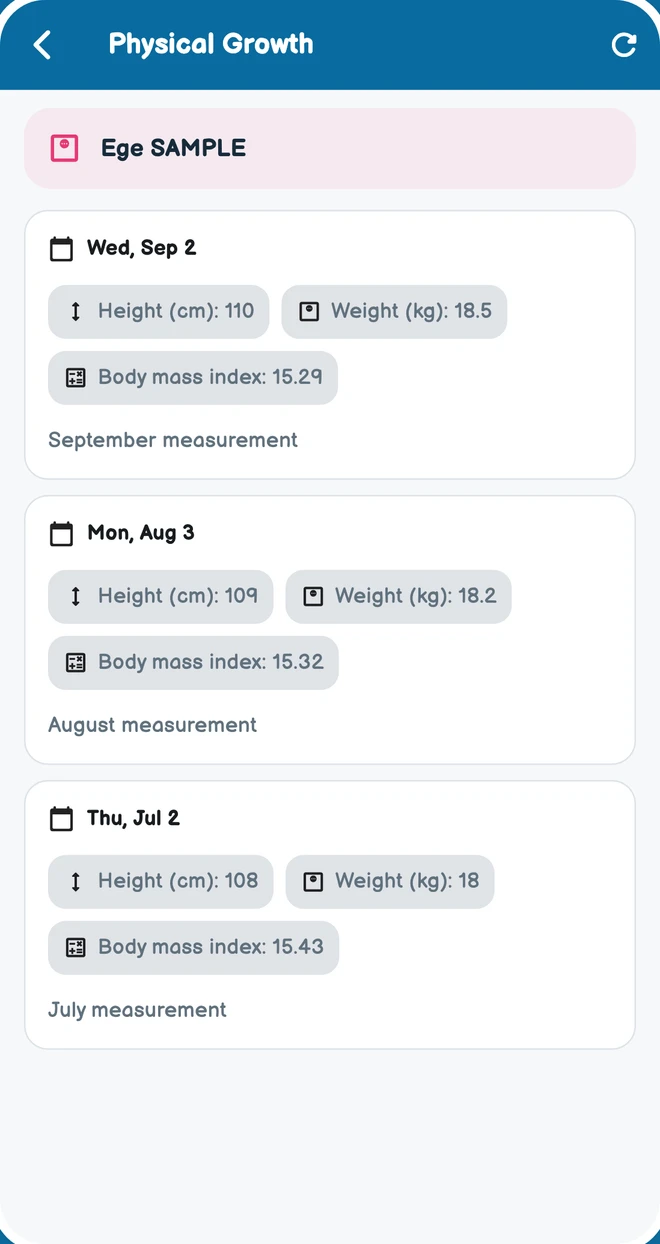
Record dated height and weight measurements and follow development.
Explore module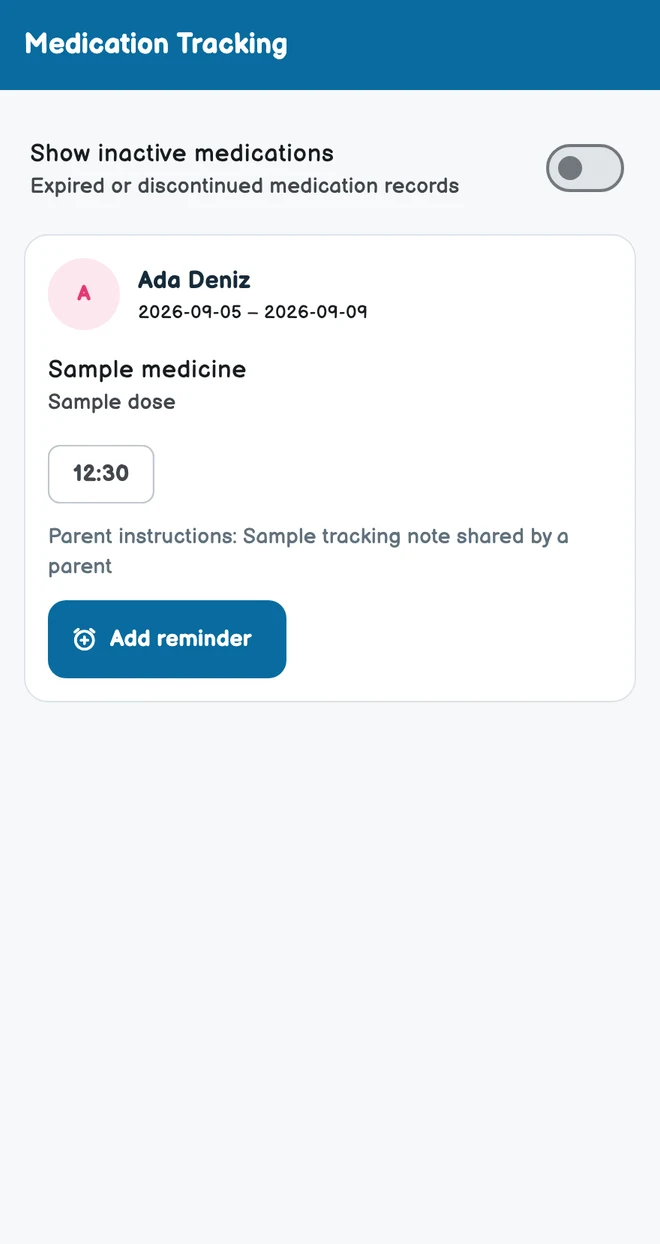
Medication details, prescription attachments, administration records and teacher notes, shared within authorised class staff and parent access.
Explore module
Student profiles, parent and family connections, contact details and records.
Explore moduleCreate classes, place students and assign classroom or subject teachers.
Explore moduleStaff records, positions, school access and invitations.
Explore moduleManage transfer requests, school changes and student transfer workflows.
Explore module
Publish content for selected audiences and follow shared updates.
Explore modulePublish surveys to relevant parents, respond and view results according to permissions.
Explore module
Share and organise files and educational resources for the relevant staff audience.
Explore module
Prepare agreement text, consent clauses, requested information and documents.
Explore module
Create period, installment, and stationery plans per student and apply collections to installments.
Explore moduleRecord an independent collection on the student account without creating a plan or installment.
Explore moduleRecord school expenses, descriptions and attachments to follow financial operations.
Explore module
Kiosk devices, cards, digital cards and parent arrival notifications.
Explore moduleShare an authorised staff member’s active location session with relevant parents.
Explore moduleFollow information requested by the school and related responses in the mobile app, and complete required record details.
Explore moduleFollow information requested by the school and related responses in the mobile app, and complete required record details.
Explore moduleStaff maintain their professional profiles and CVs; administrators review relevant application and CV workflows.
Explore moduleSupport requests, conversations and status updates.
Explore moduleStudent profiles, parent and family connections, contact details and records.
Explore moduleAdministrators use the web panel and mobile app to manage school, staff, financial workflows and content within their permissions.
Explore moduleManage the school’s contact and organisation information.
Explore moduleAvailability depends on the modules enabled by the school, assigned permissions and your classroom or child relationship.
OKULMOBİL
 01
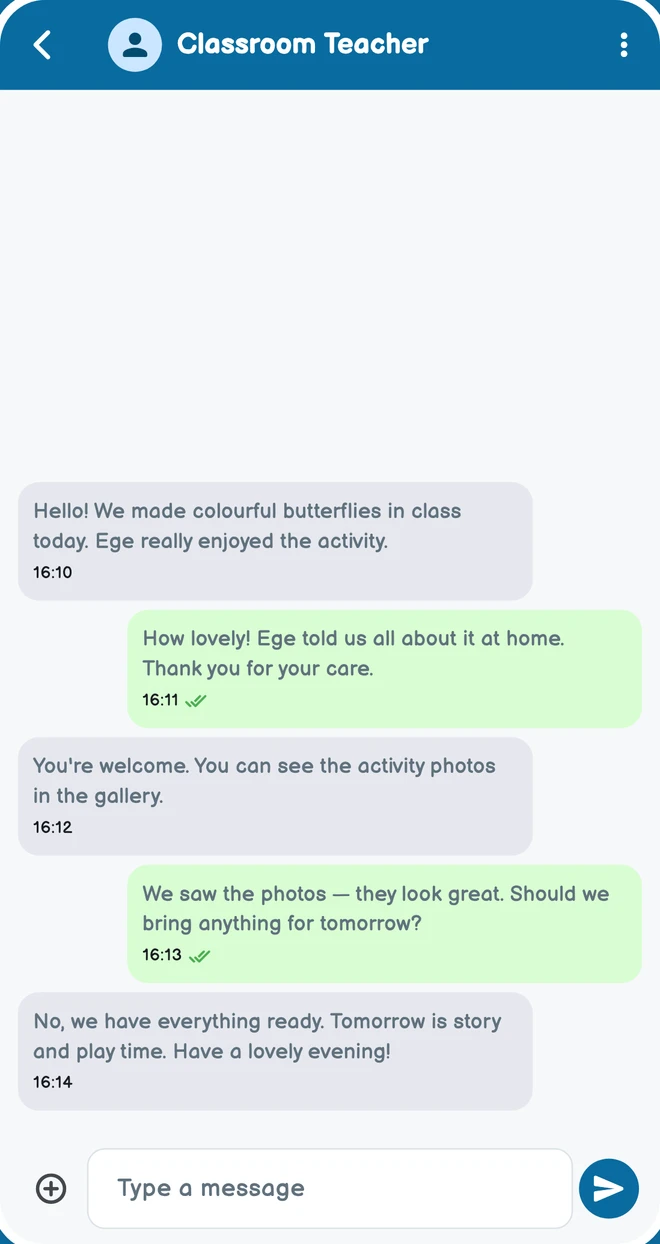
01When announcements, individual messages and consent requests live in different places, schools and families struggle to follow the same information. OkulMobil connects communication with the relevant classroom and child.
Let’s meet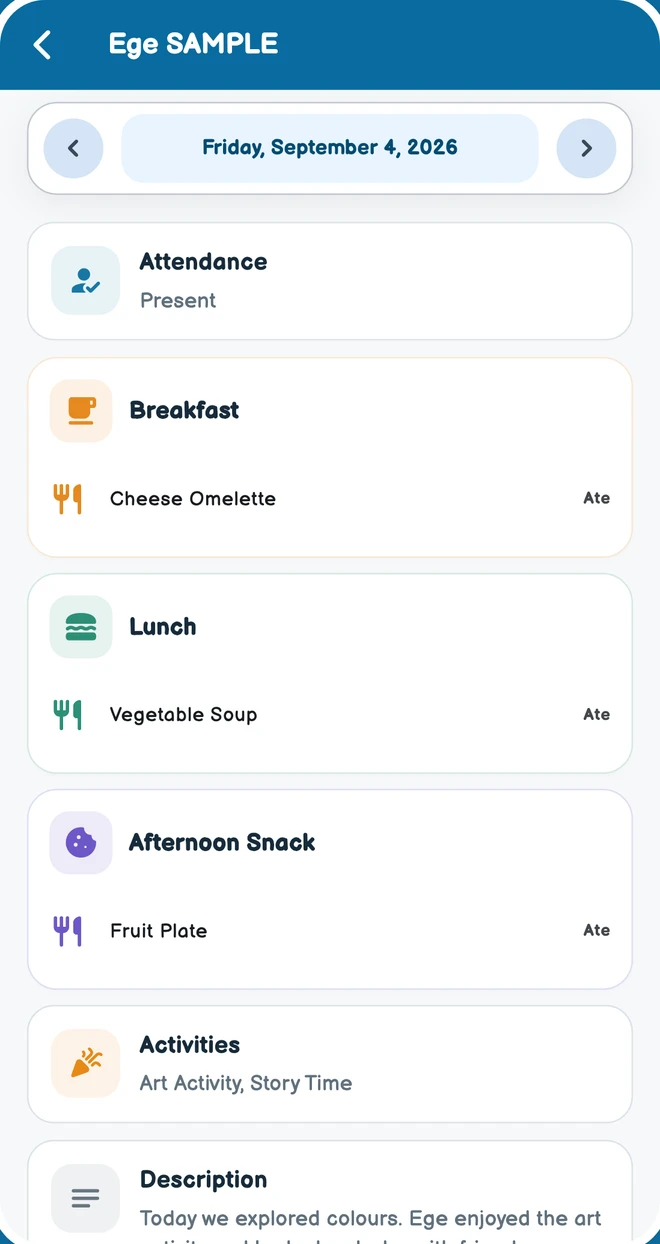 02
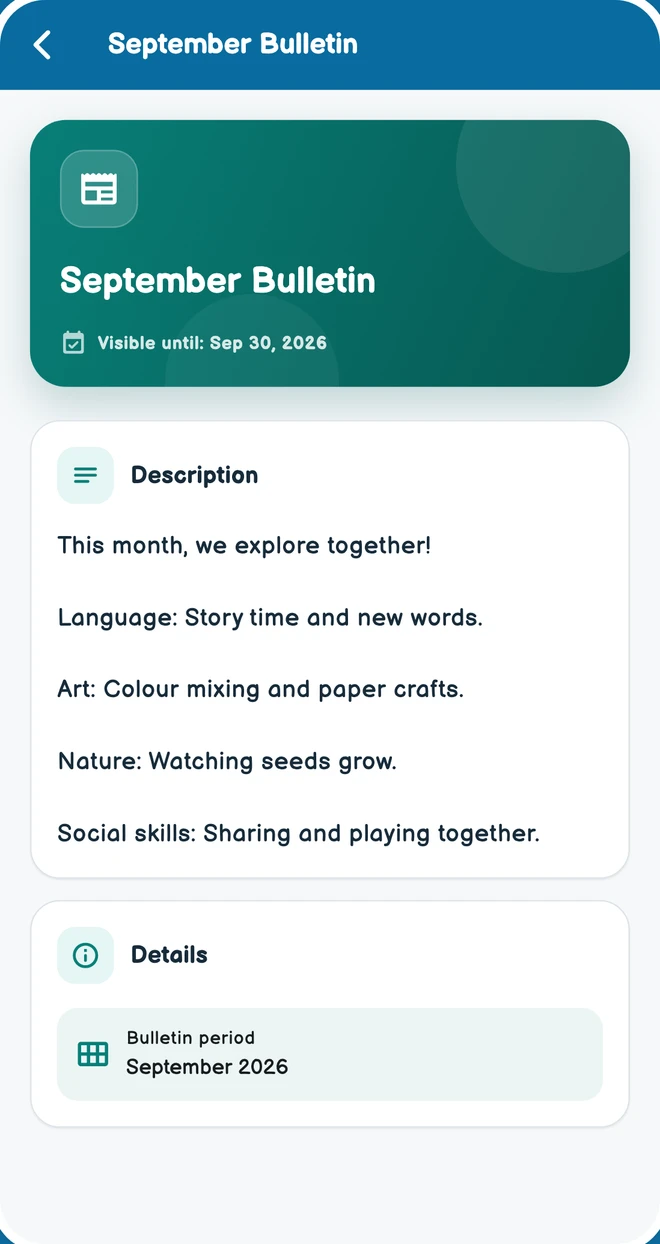
02What did my child eat, which activity did they join and what did their teacher observe? OkulMobil brings daily reports, meal plans and physical growth records into the school day families can follow.
Let’s meet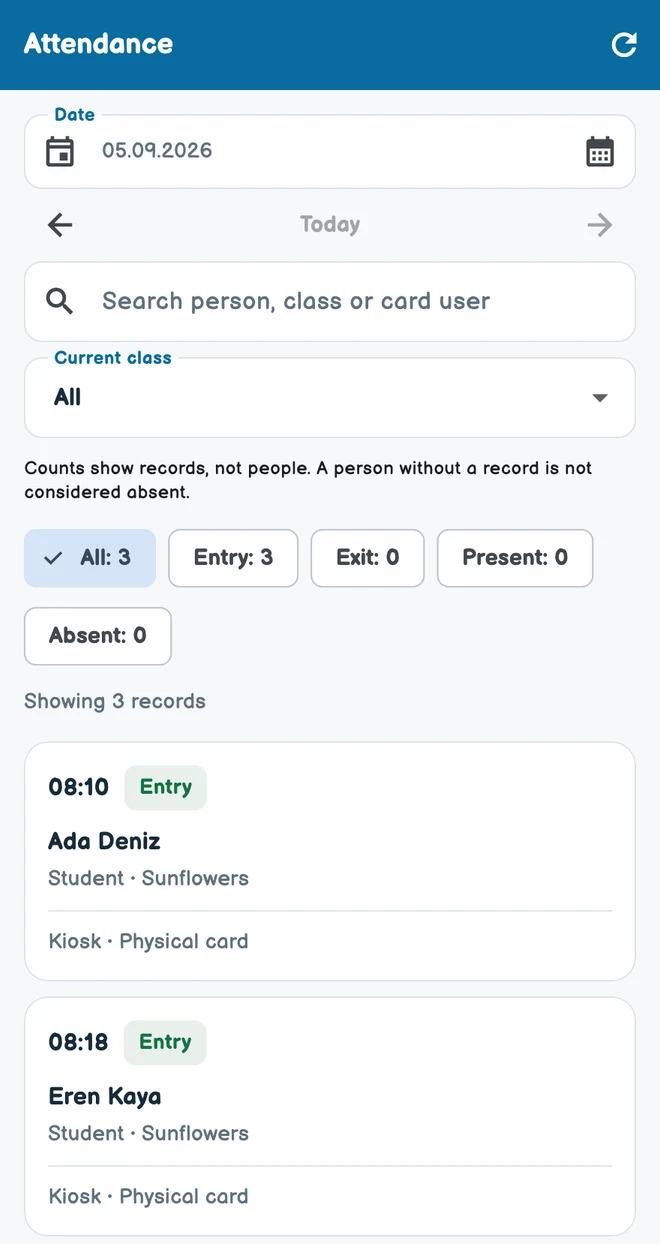 03
03You do not need to install a kiosk to begin everyday school management. A kiosk is an optional additional solution for schools that want device-based entry and exit records.
Let’s meet04Student contracts, instalments and received payments are harder to follow across separate lists. OkulMobil brings these records into processes that authorized school users can manage.
Let’s meetOKULMOBİL AT THE SCHOOL ENTRANCE
A card-based terminal at the school entrance. It connects an entry or exit action to the relevant child’s or staff member’s record.
Present your registered physical card, or use an eligible digital card in the app within the school’s proximity area.
The device processes the action according to card eligibility and school attendance settings.
The entry or exit is associated with the time, the student or staff member and cardholder information.
The relevant parents and teachers are notified according to the school’s enabled notification settings.
Follow card applications and school approvals.
Manage activation and active, lost, blocked or cancelled states.
Use an eligible active card at the device or through the app with a proximity check.
Follow connectivity and activation; configure operating days, shutdown times and demo mode.
Records include cardholder information. A transaction photo is available on supporting devices and installations.
Entry and exit alerts reach the relevant people according to school settings.
OKULMOBİL
Availability depends on the modules enabled by the school, assigned permissions and your classroom or child relationship.
01
Student profiles, parent and family connections, contact details and records. Administrators manage records; teacher and parent access follows their own scope.
Create classes, place students and assign classroom or subject teachers. Teachers view relevant class and student information.
Staff records, positions, school access and invitations. Panel access and school administration permissions are assigned separately.
Manage transfer requests, school changes and student transfer workflows.
02
Daily class attendance, attendance records and absence tracking. Parents see information relating to their own children.
Daily reports covering meals, activities and teacher notes. Subject teachers can prepare class-based subject evaluations.
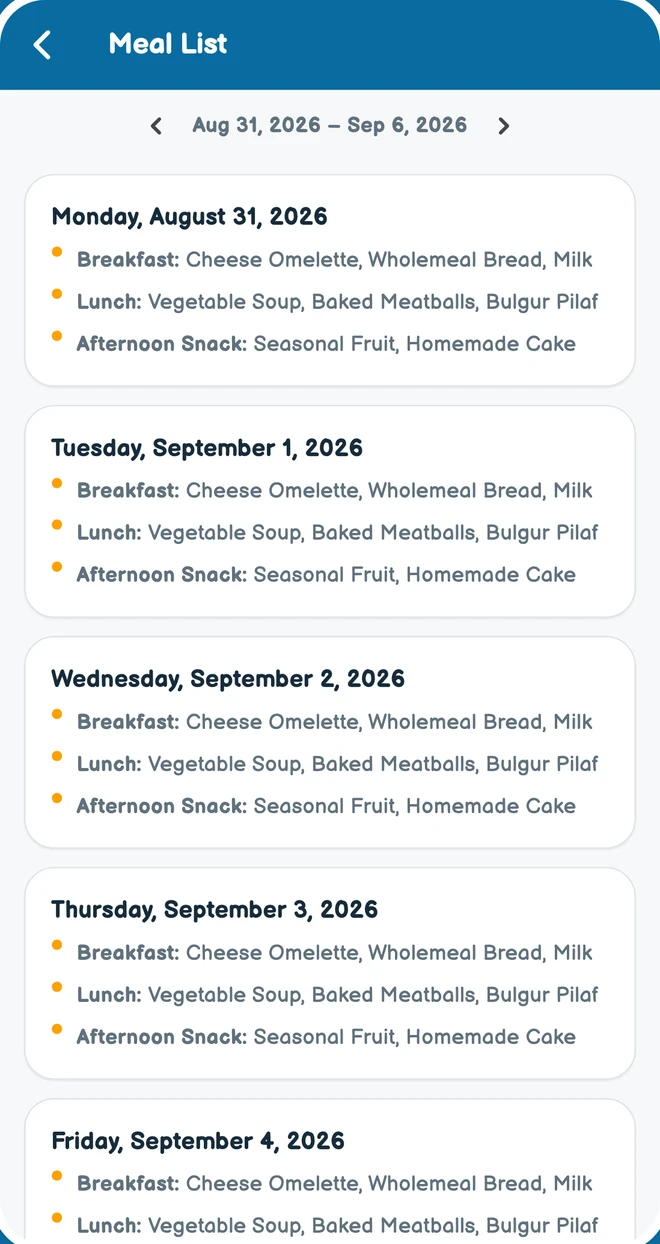
Dated meal and menu plans. Administrators prepare the lists; teachers and parents view them.
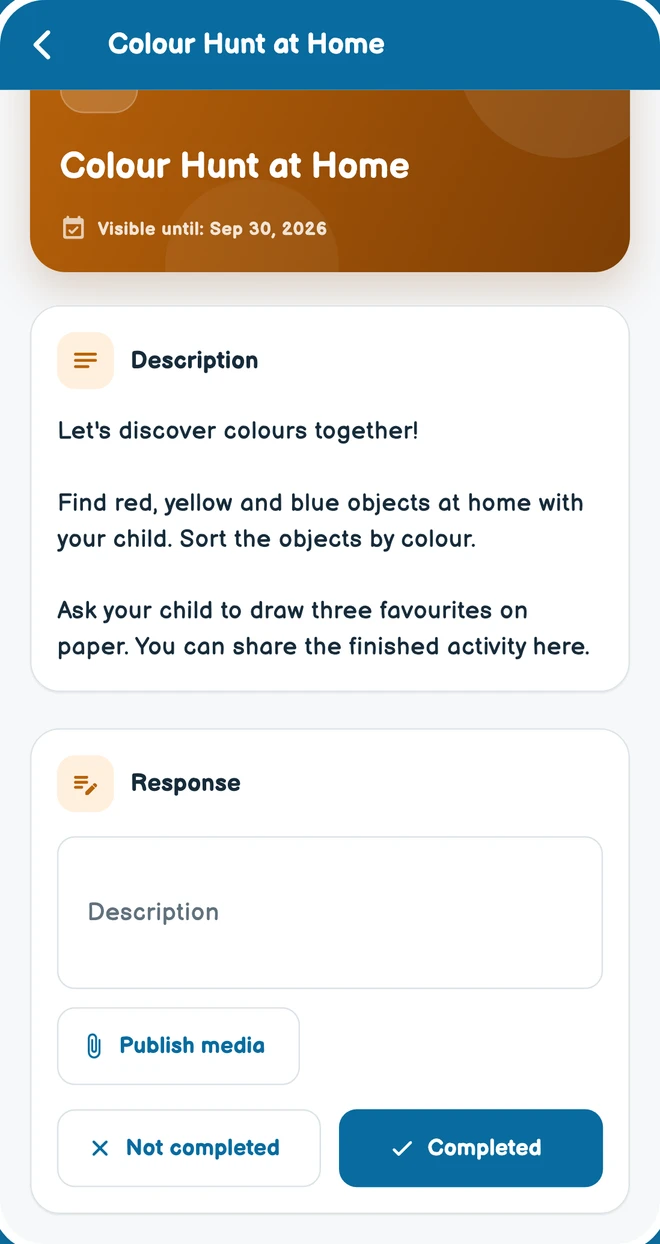
Organise activity definitions and dates alongside daily school routines. Authorised classroom teachers also have activity tools in the mobile app.
Medication details, prescription attachments, administration records and teacher notes, shared within authorised class staff and parent access.
Record dated height and weight measurements and follow development. Parents view their children’s shared records.
03
Individual and group conversations, files and media in the mobile app. Communication follows school and contact relationships.
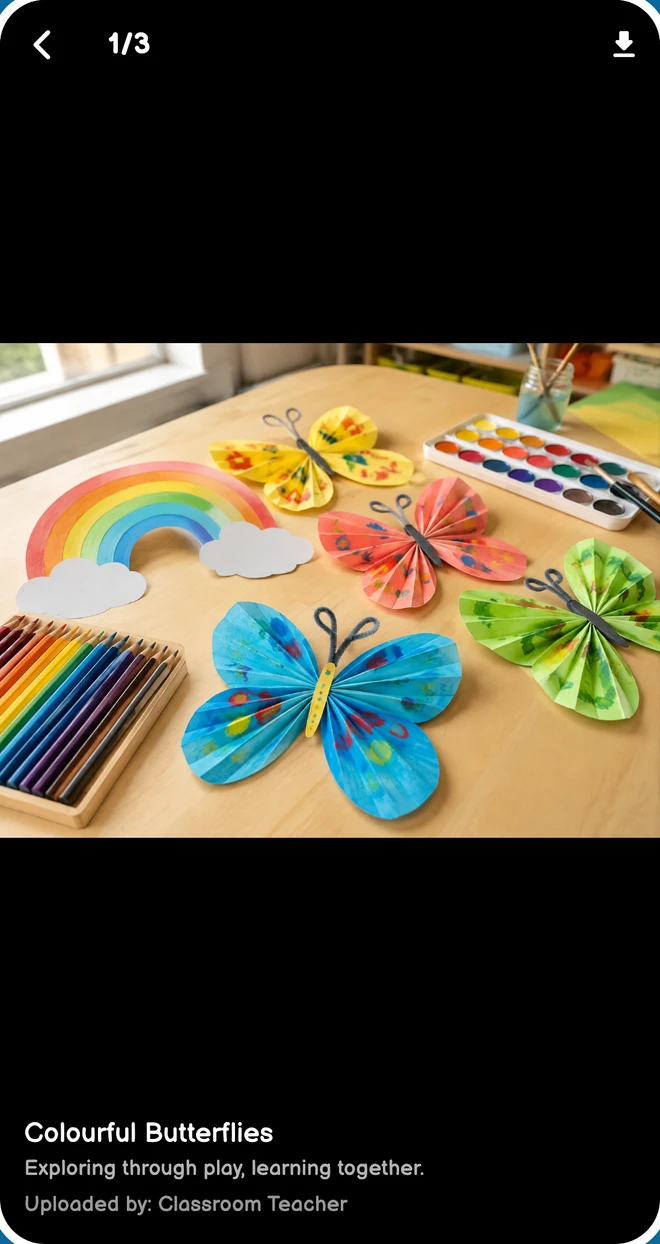
Share activity photos and videos with relevant classes and families, and follow viewing information.
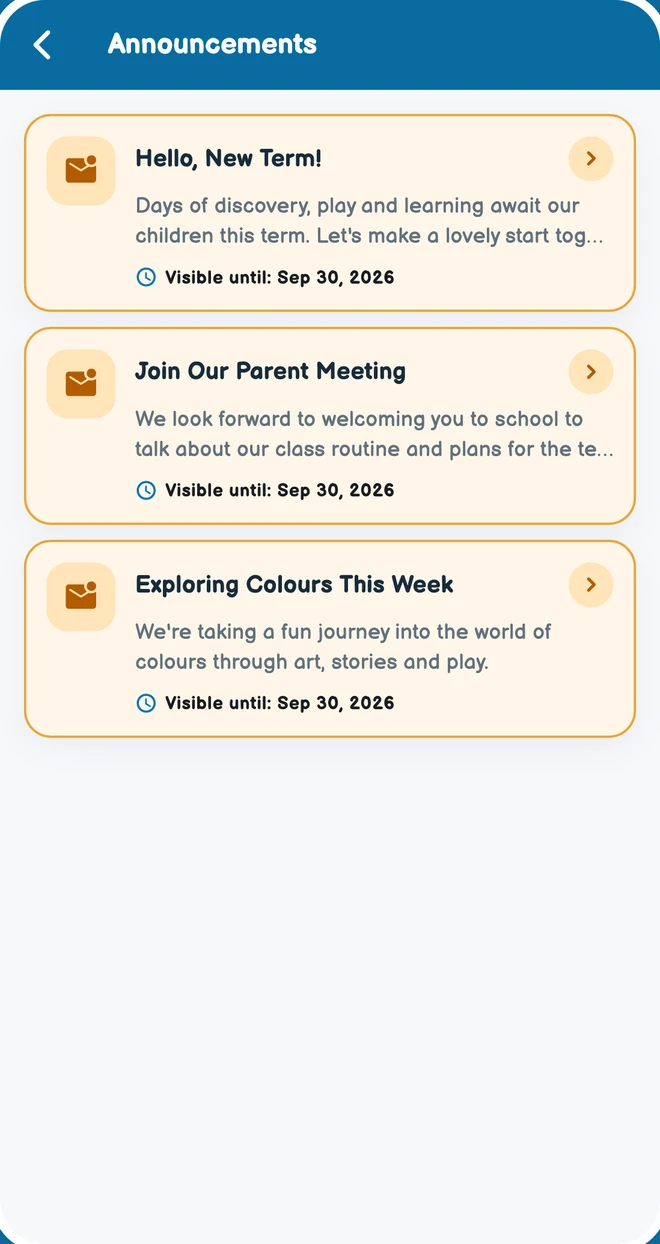
Publish content for selected audiences and follow shared updates. Administrators can also send notifications.
School consent requests and parent responses. Follow the request’s status in the same record.
Publish surveys to relevant parents, respond and view results according to permissions. Not available to subject teachers.
Share and organise files and educational resources for the relevant staff audience.
04
Prepare agreement text, consent clauses, requested information and documents. Parents complete assigned agreement steps in the mobile app.
Student payment plans, recorded payments, tally records and statements. Parents view their own financial records when permitted.
Record school expenses, descriptions and attachments to follow financial operations.
05
Kiosk devices, cards, digital cards and parent arrival notifications. Availability depends on school kiosk settings and permissions.
Share an authorised staff member’s active location session with relevant parents. Sharing continues only during the active session.
Follow information requested by the school and related responses in the mobile app, and complete required record details.
Staff maintain their professional profiles and CVs; administrators review relevant application and CV workflows.
Support requests, conversations and status updates. Follow the support process between your school and OkulMobil.
02 / OKULMOBIL FOR YOU
Keep school operations together.
Explore the features02Share subject teaching and classroom updates with families.
Explore the features03Follow your class’s day and each child’s development.
Explore the features04Feel closer to your child’s school day.
Explore the featuresLet’s get your first classroom and daily routine ready. Call or message us on WhatsApp to get started.
With your permission, we measure visits and contact link clicks using Google Analytics and Yandex Metrica. These services use cookies and device information. Ad personalisation and session recording are disabled. You can change your choice at the bottom of the page. Privacy